
Overview
The myAvail Pullout Grid can be used as a stand alone product or a display for a customer utilizing a "Daily Operations" package. When integrated with a daily operations package, the pullout grid will receive updates from the "Daily Operations" package on the 'Operator' and 'Vehicle' fields.
This feature allows a dispatcher to update the Operator and Vehicle assignment in Daily Dispatching and have those updates pushed to the Pullout Grid/Pullout Tab in Dispatch.
NOTE: The integration is single direction, changes made in AD should update Pullout Grid, updates made in Pullout Grid have no effect on AD. Customers using AD should use the Pullout grid for viewing and check in only.
Integration
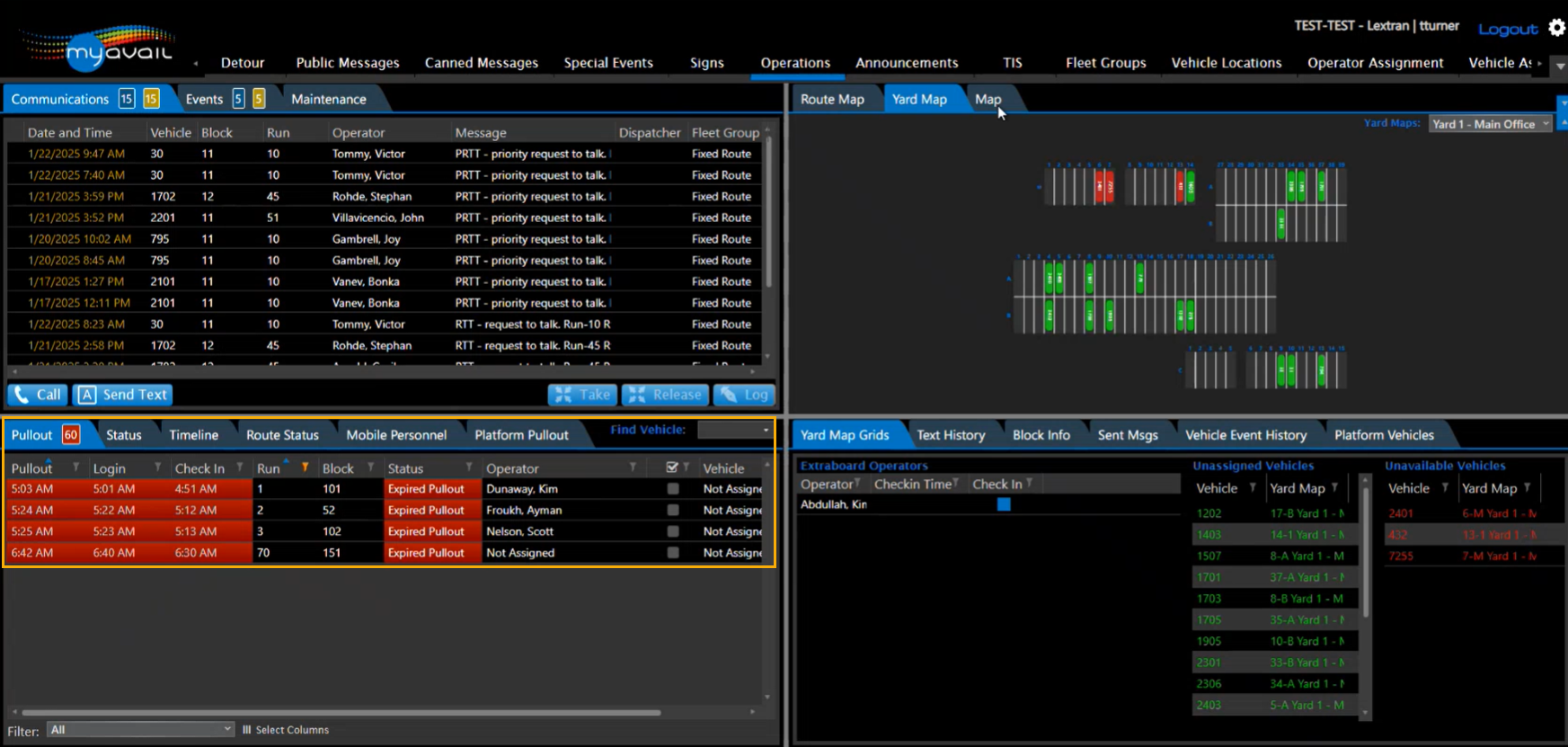
Operations > Automated Dispatch > Dispatching> "modify runs" will match the list of runs generated on Operations > Dispatching > Pullout Tab.
NOTE: Special pay runs such as Sick, Training or Vacation will only be in AD Dispatching.
Runs 1, 2, 3, and 70 on the Dispatching form match Runs 1, 2, 3, and 70 on the Pullout grid.
Changing Drivers on the Dispatching form and selecting CAD/AVL Log button, will produce the Successful transmission message confirming the change was successful, and as a result the Operator fields will also be updated on the Pullout grid.
The same way, changing the Vehicle number on the AD Dispatching form will result in the Vehicle field of the Pullout grid to update.
NOTE: The scheduled Driver on both the Dispatching form and the Pullout grid will only match if the rostering has been filled out in both systems. Pullout Grid is populated from Dispatch > Operator Assignment Tab. AD Dispatching is populated from Operator Timekeeping > Rostering..